
English · Português
Prepser 1.1.6: record your sermon on Apple Watch
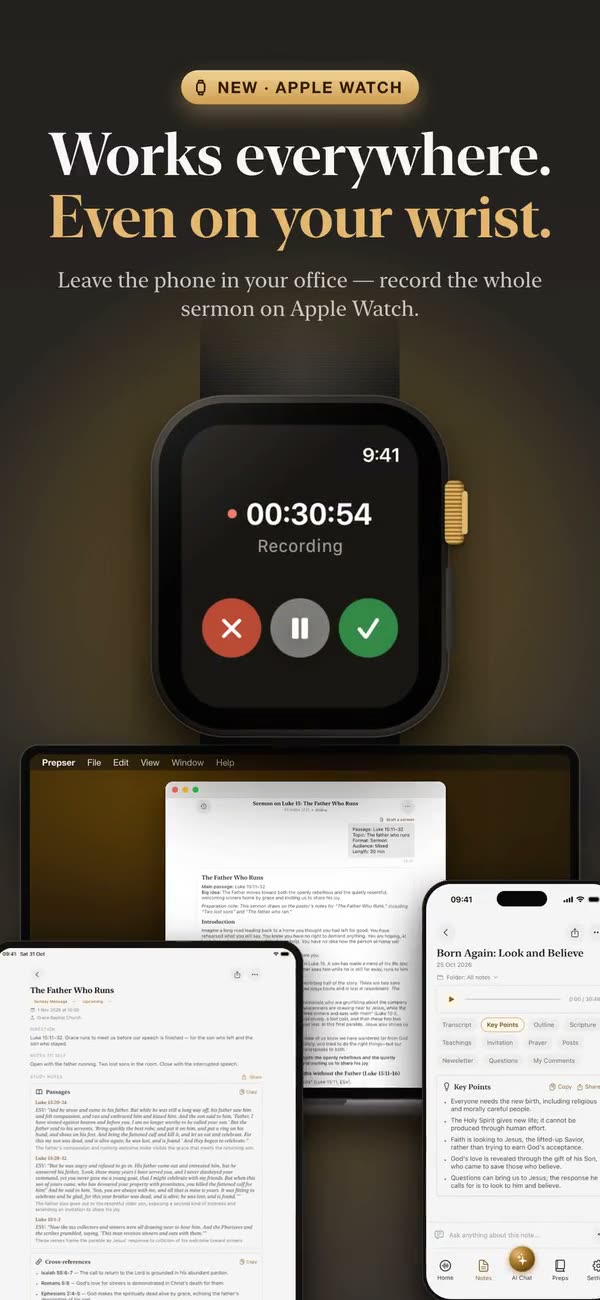
Prepser 1.1.6, released on November 9, 2026, adds an Apple Watch app. Leave the phone in your office, tap Record on your wrist when you start preaching, and the recording goes to Prepser on your iPhone, where it becomes a note with a transcript like any other recording.
How recording on Apple Watch works
- Install Prepser 1.1.6 on your iPhone; the watch app comes with it. It needs watchOS 10 or later.
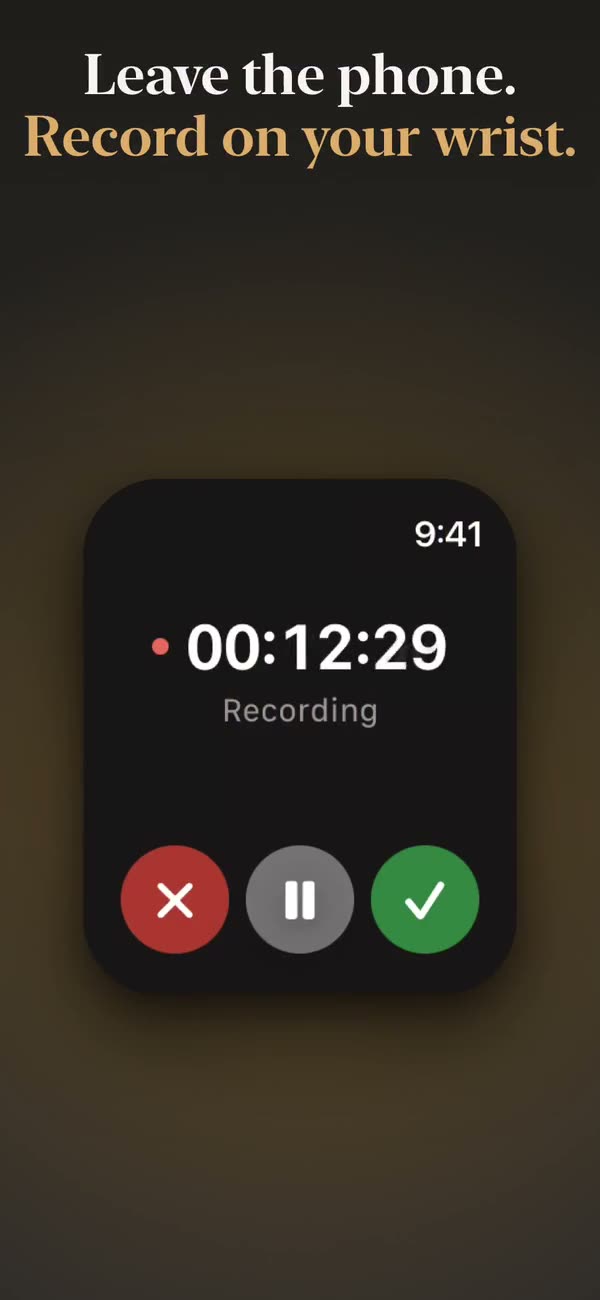
- On the watch, tap Tap to Record. The screen shows Recording and a timer; you can pause and resume.
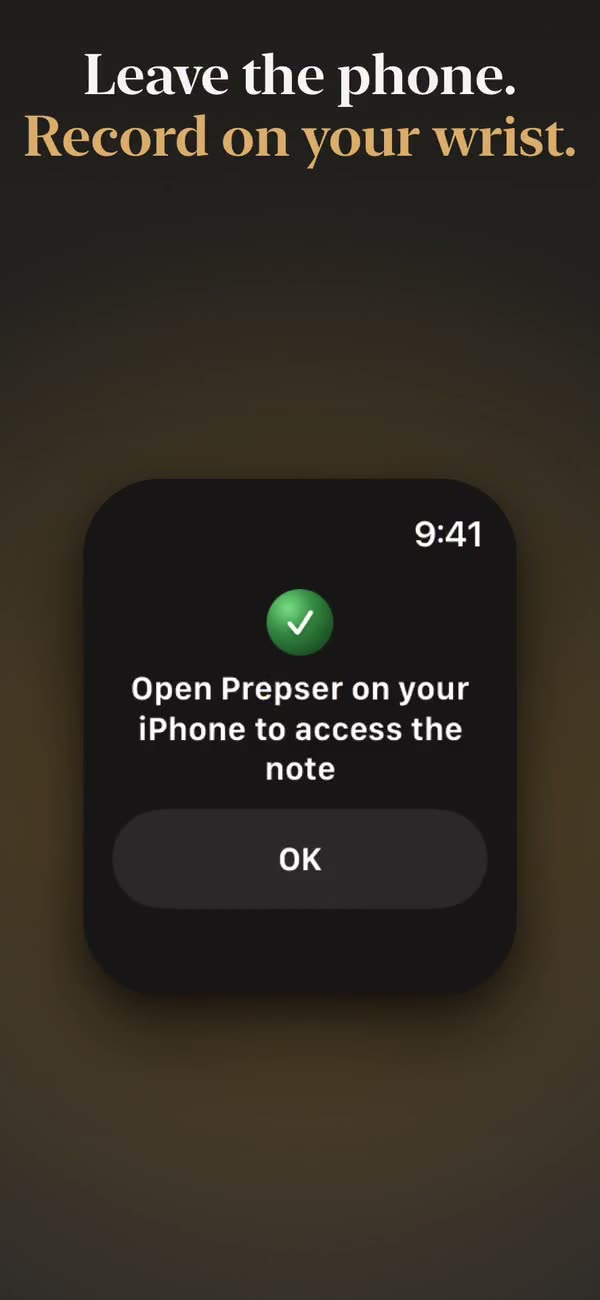
- When you finish, the watch sends the recording to your iPhone and shows Sending to iPhone… with the progress.
- On the iPhone, Prepser tells you Recording from your watch is ready, and the note appears in your library.
If the iPhone is out of reach, the watch shows Saved on Watch: the recording stays on the watch and is sent to your iPhone later. Recordings shorter than 3 seconds are not kept.
Who can use it
Recording on Apple Watch is part of Prepser Pro. Without a subscription the watch shows Subscribe in Prepser on your iPhone to record from your watch.
Related
- Sermon recording tips: where to put the phone and what to check before the service
- Sermon transcription: what you get from a recording
- Prepser 1.1.5: Prepser on Mac
Released November 9, 2026 · Changelog